What is the Collage section?
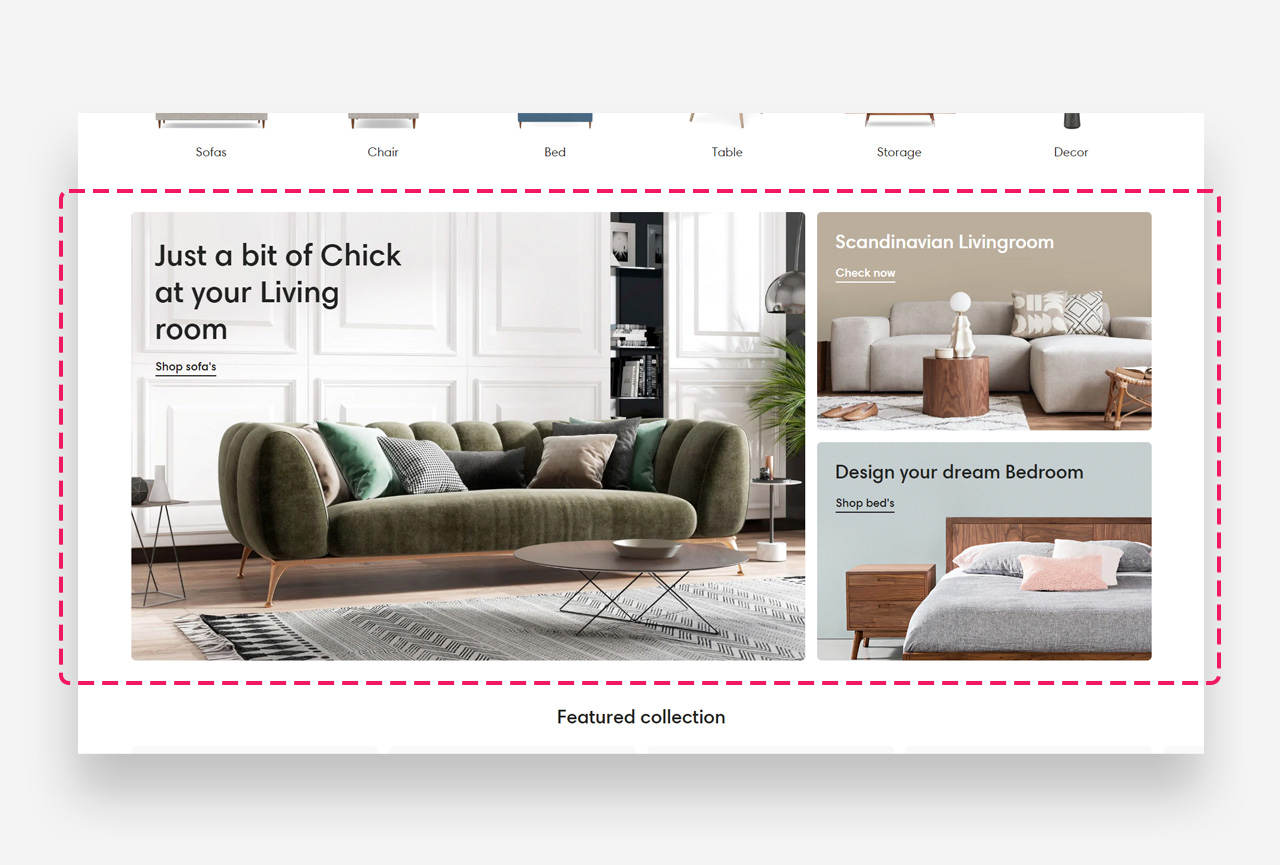
The "Collage" section is a creative layout that allows you to craft a visually engaging composition of images, text, and call-to-action buttons. This section is perfect for displaying a collection of products, brand images, or promotional graphics in a modern, asymmetrical format.
Main Settings
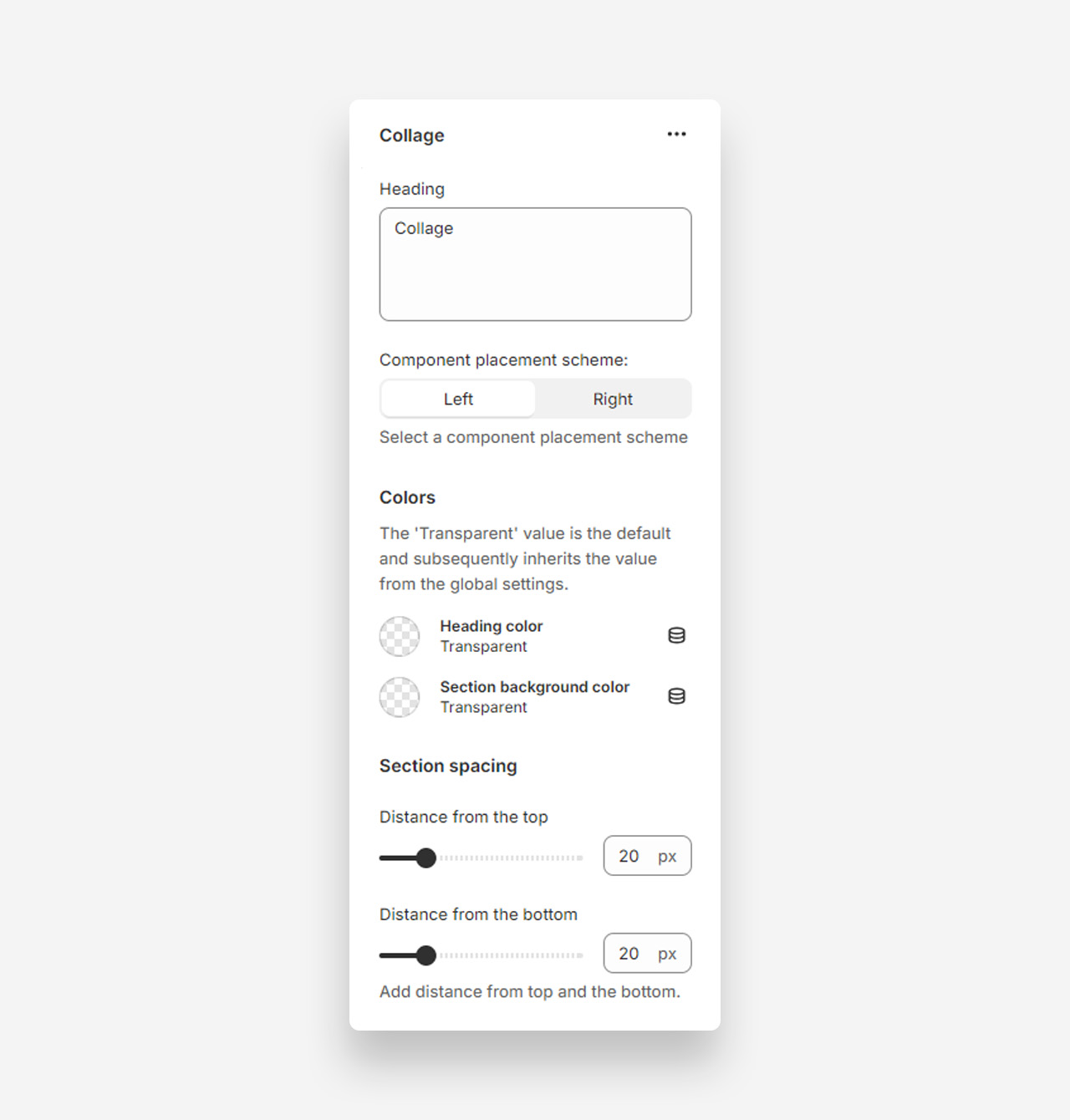
Heading
- Heading: Set the title for the Collage section.
Component Placement Scheme
- Left: Place components on the left side.
- Right: Place components on the right side.
Colors
- Heading color: Default is Transparent, inheriting value from global settings.
- Section background color: Default is Transparent, inheriting value from global settings.
Section Spacing
- Distance from the top: Adjust the spacing from the top of the section (default 20px).
- Distance from the bottom: Adjust the spacing from the bottom of the section (default 20px).
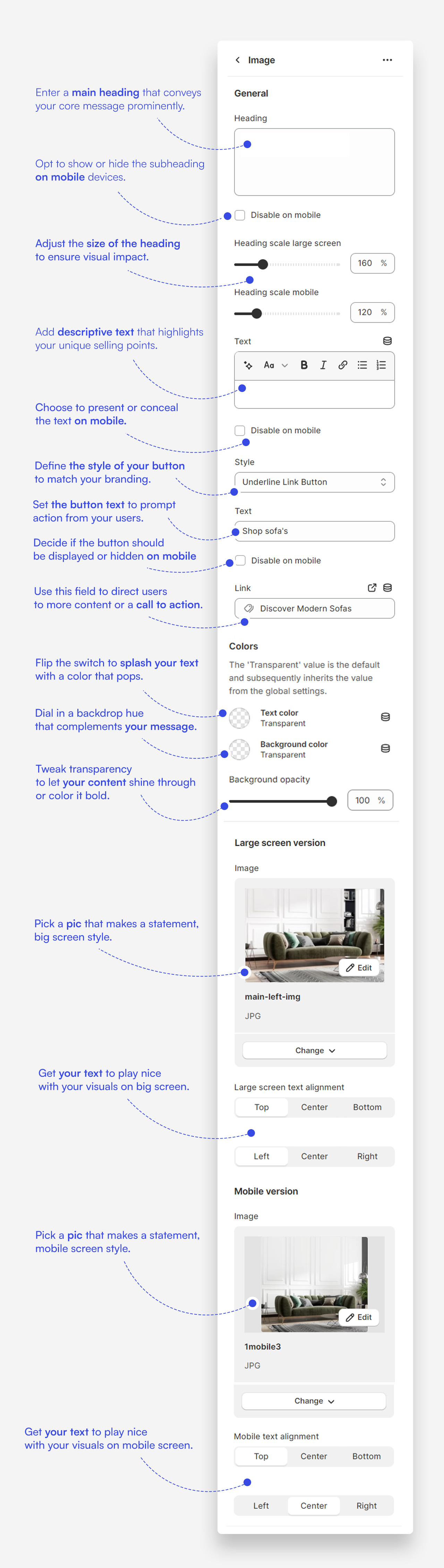
Customize image blocks
Heading
- Heading: Set the title for the Collage section.
Component Placement Scheme
- Left: Place components on the left side.
- Right: Place components on the right side.
Colors
- Heading color: Default is Transparent, inheriting value from global settings.
- Section background color: Default is Transparent, inheriting value from global settings.
Section Spacing
- Distance from the top: Adjust the spacing from the top of the section.
- Distance from the bottom: Adjust the spacing from the bottom of the section.
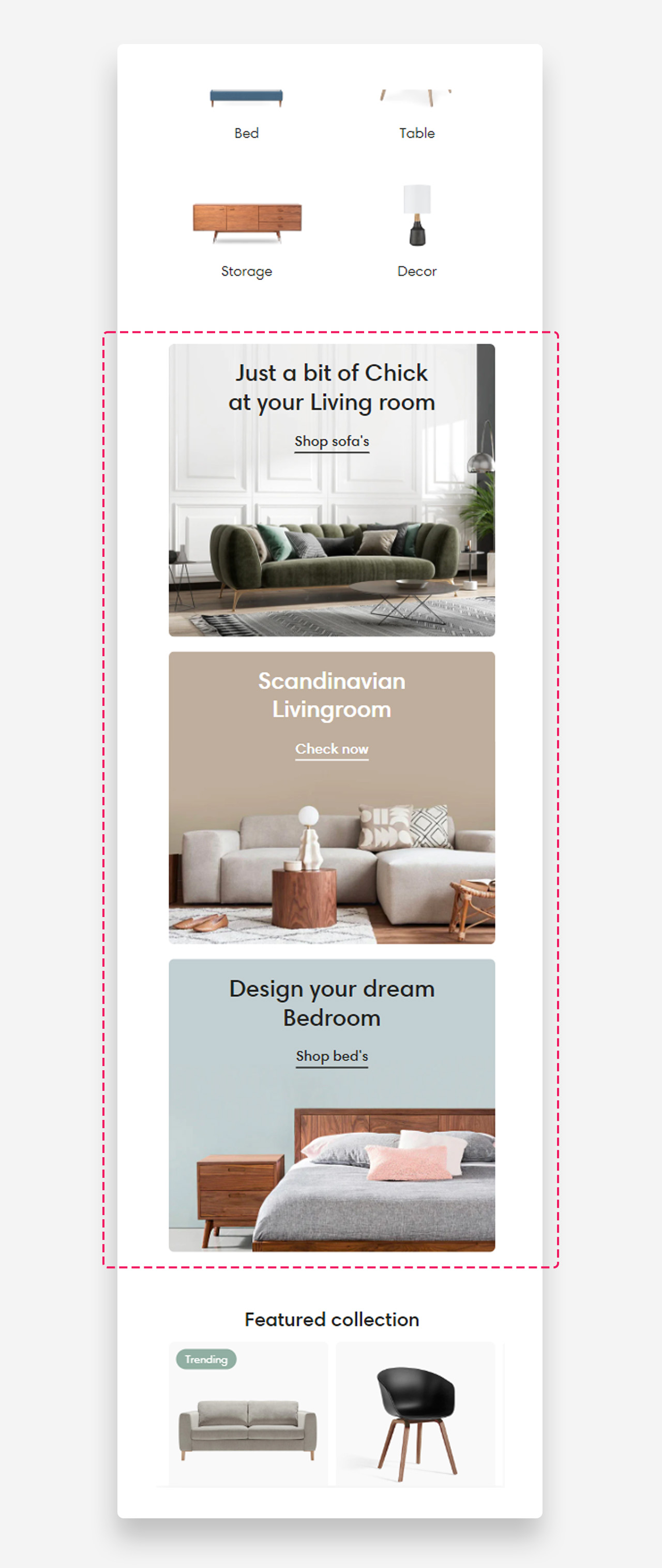
Mobile view example
Was this article helpful?
That’s Great!
Thank you for your feedback
Sorry! We couldn't be helpful
Thank you for your feedback
Feedback sent
We appreciate your effort and will try to fix the article