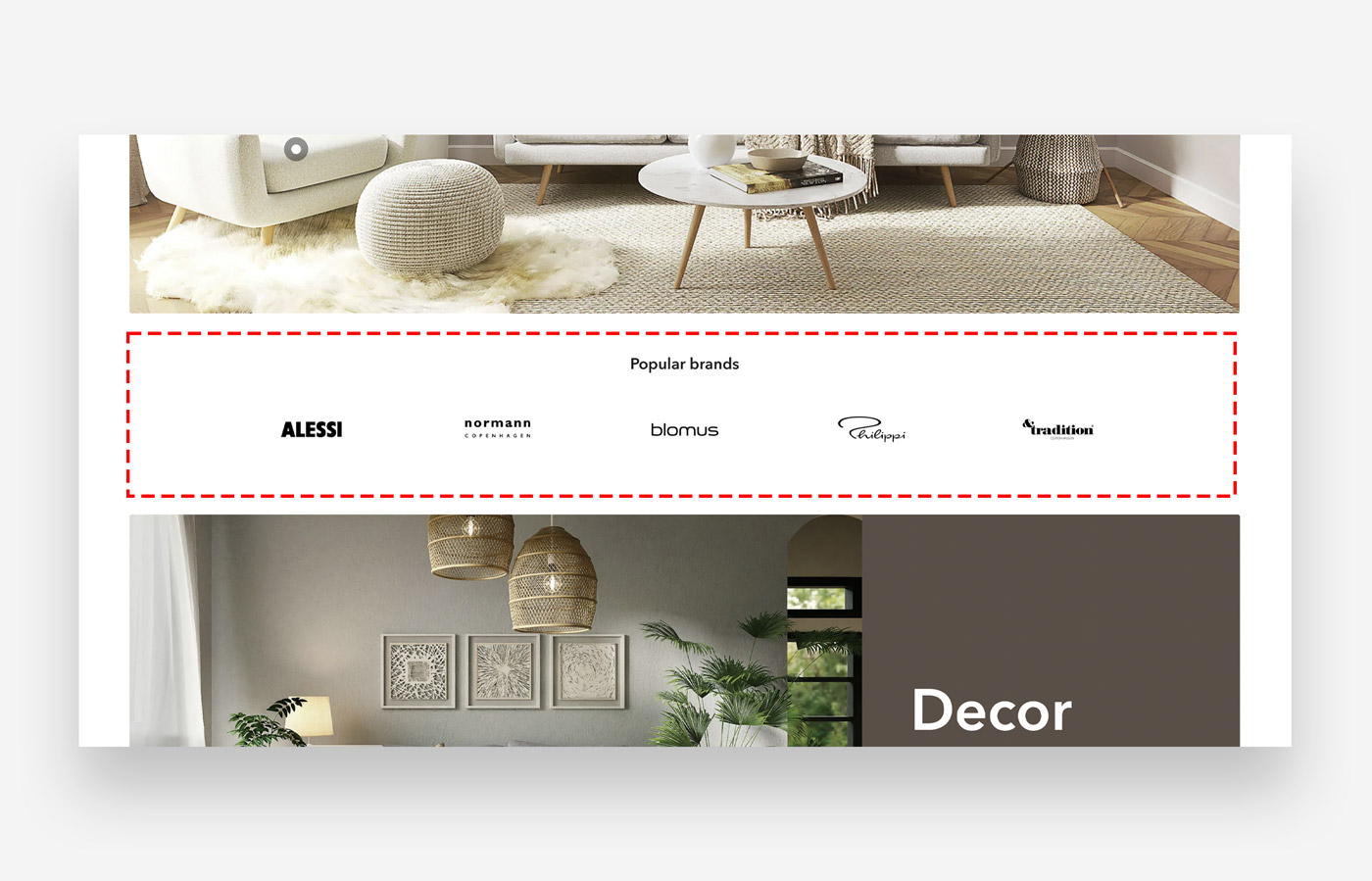
What is the Brands section?
Display brand logos. Link images / brand logo to links to connect customers with brands associated with your store.
Main settings
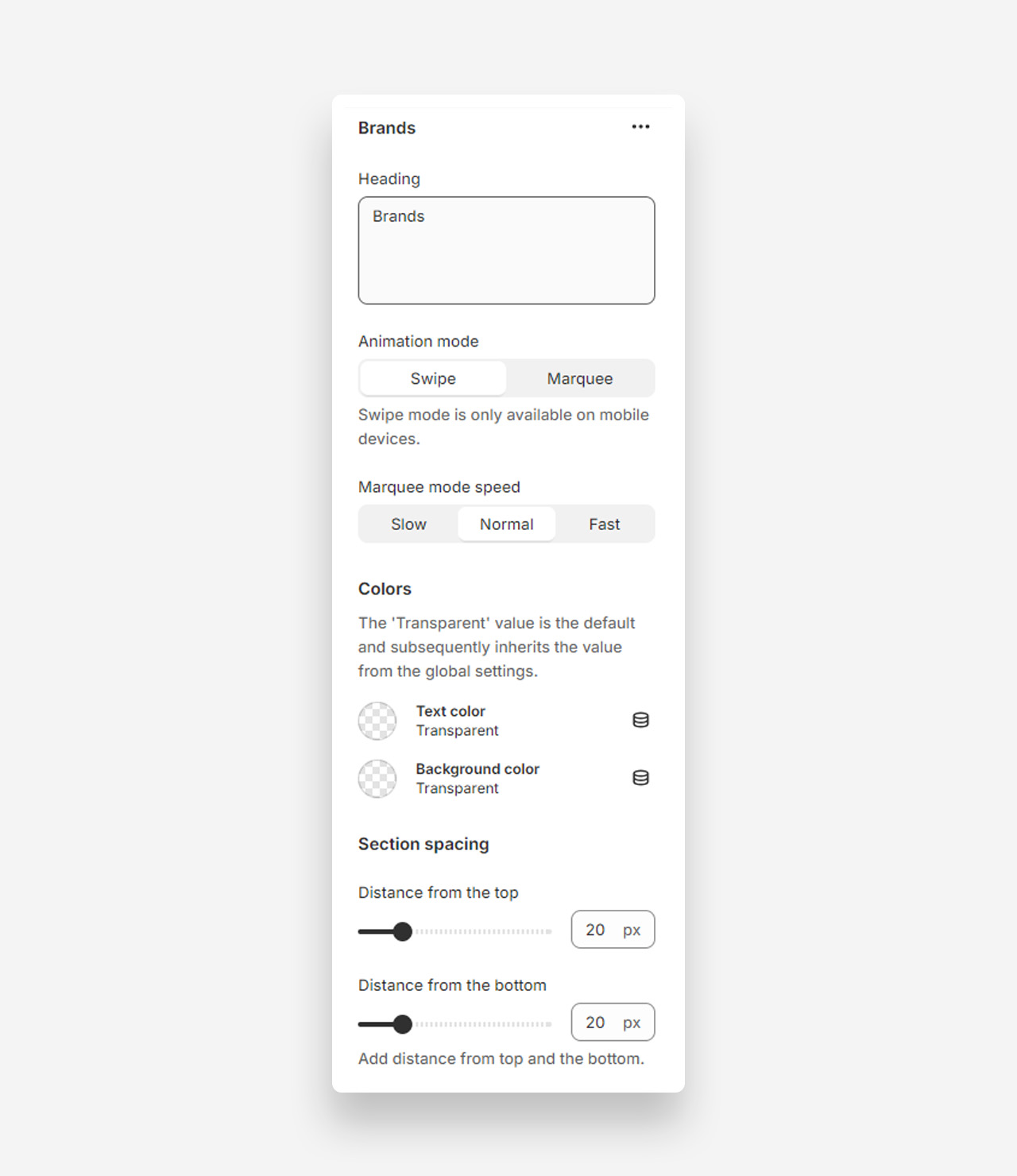
Heading
- Heading: Set the title for the Brands section.
Animation Mode
- Swipe: Swipe mode is only available on mobile devices.
- Marquee: Select this option for a scrolling marquee animation.
- Marquee mode speed: Choose the speed for the marquee animation (Slow, Normal, Fast).
Colors
- Text color: Default is Transparent, inheriting value from global settings.
- Background color: Default is Transparent, inheriting value from global settings.
Section Spacing
- Distance from the top: Adjust the spacing from the top of the section (default 20px).
- Distance from the bottom: Adjust the spacing from the bottom of the section (default 20px).
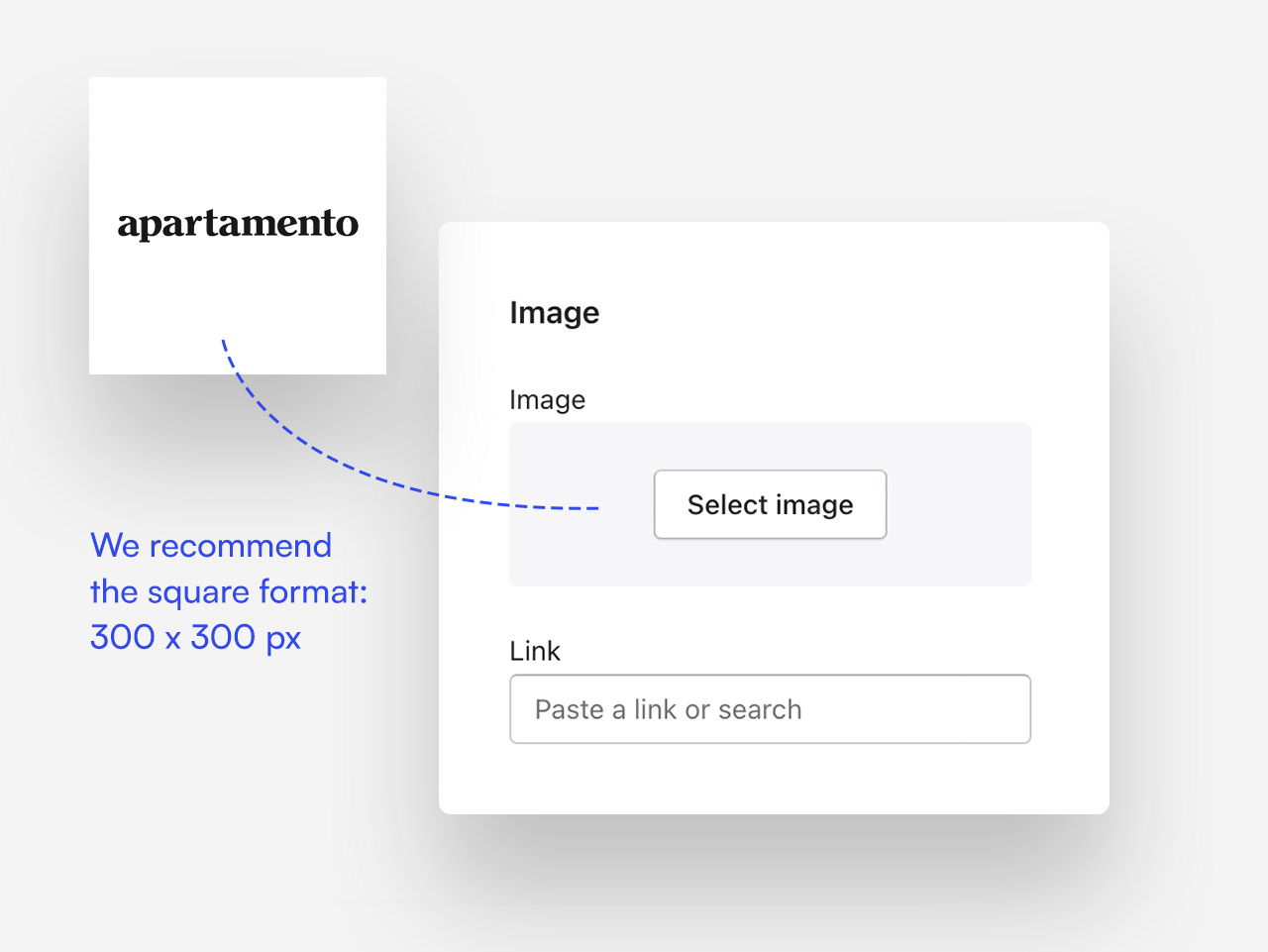
What image size fits best ?
We recommend the square dimension - 300x300 px
Was this article helpful?
That’s Great!
Thank you for your feedback
Sorry! We couldn't be helpful
Thank you for your feedback
Feedback sent
We appreciate your effort and will try to fix the article