What is the Newsletter with image section?
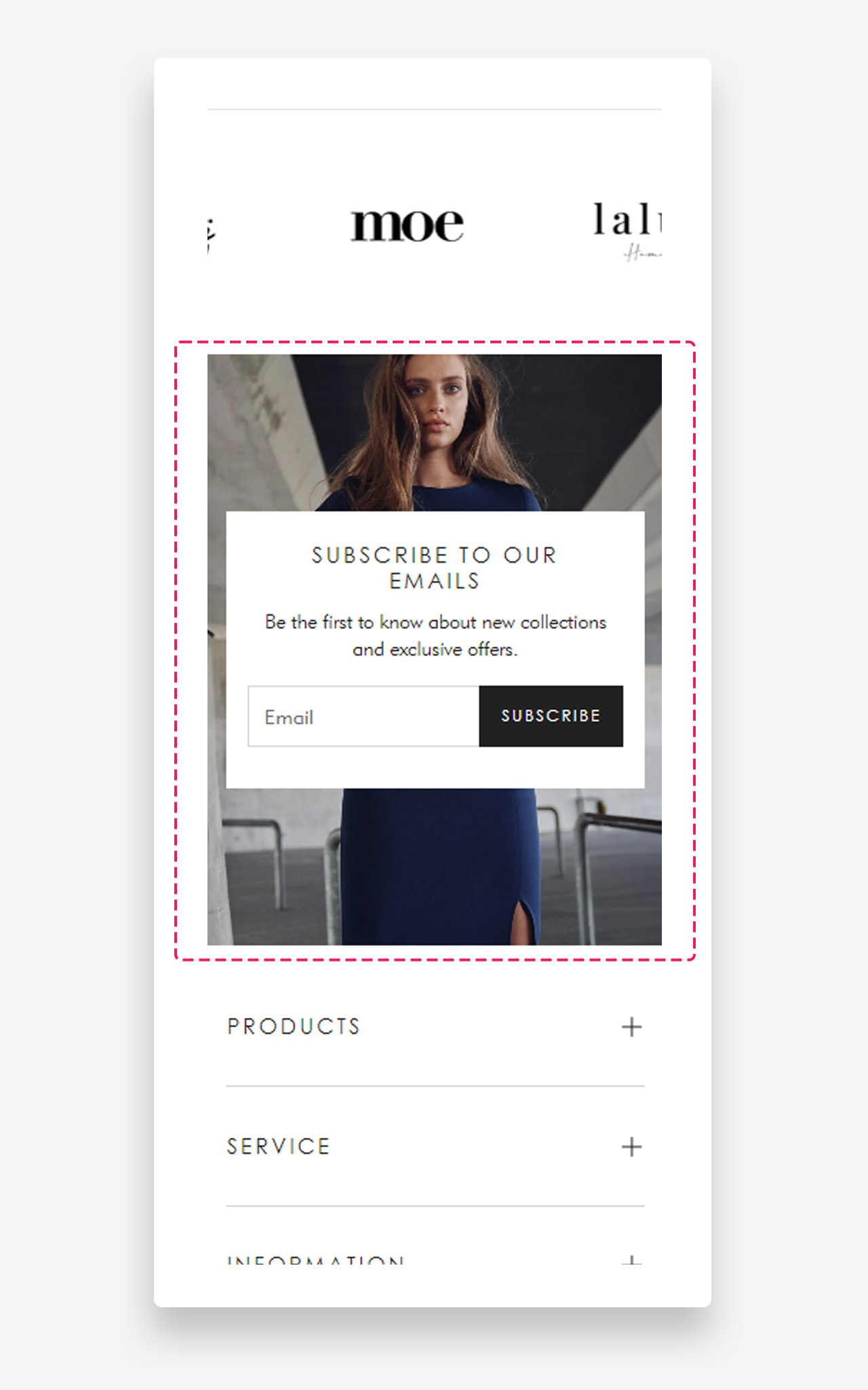
The "Newsletter with image" section is a visually engaging element designed to grow your subscriber base. Featuring a customizable form to subscribe to your newsletter, it allows you to set a custom heading, text, and button. With the option to add a background image and personalize the color of the text container and text, this section seamlessly integrates with your store's aesthetic while encouraging visitor engagement.
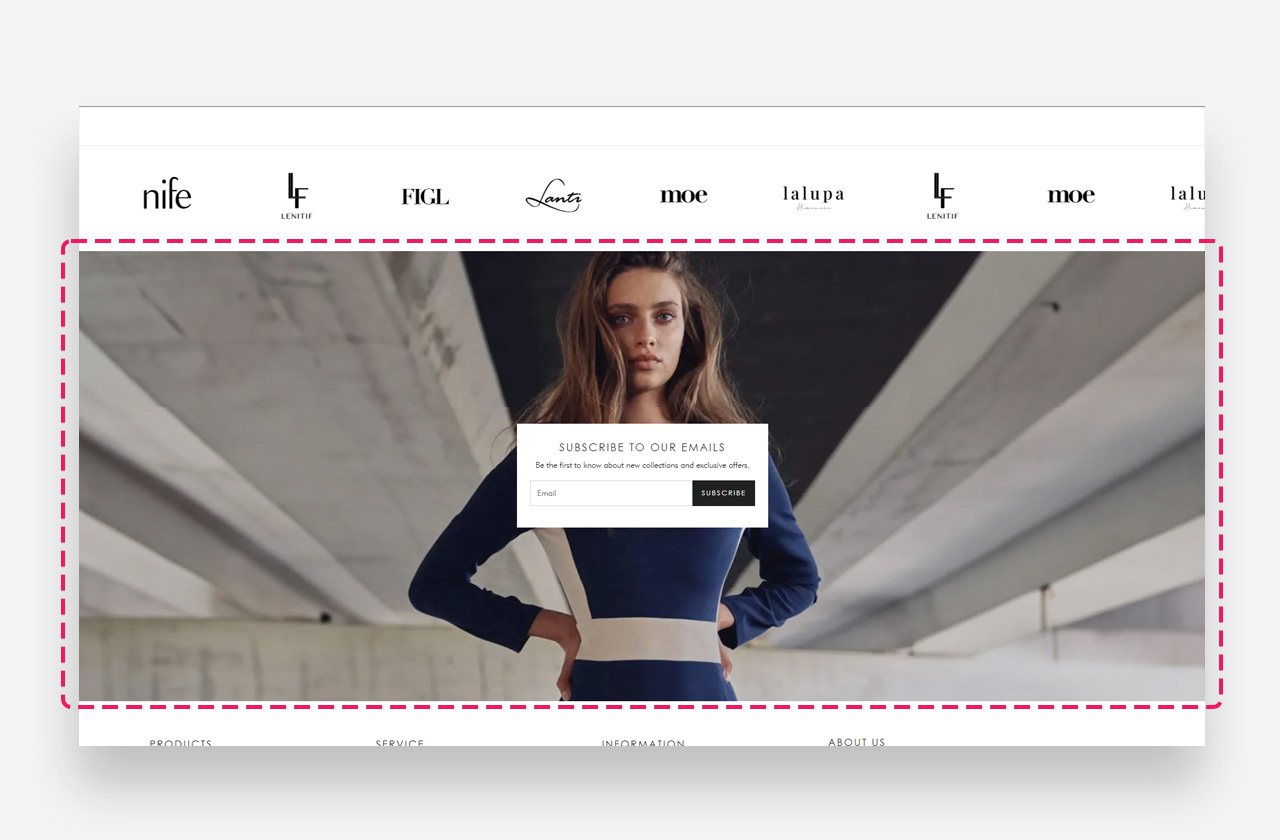
Main settings
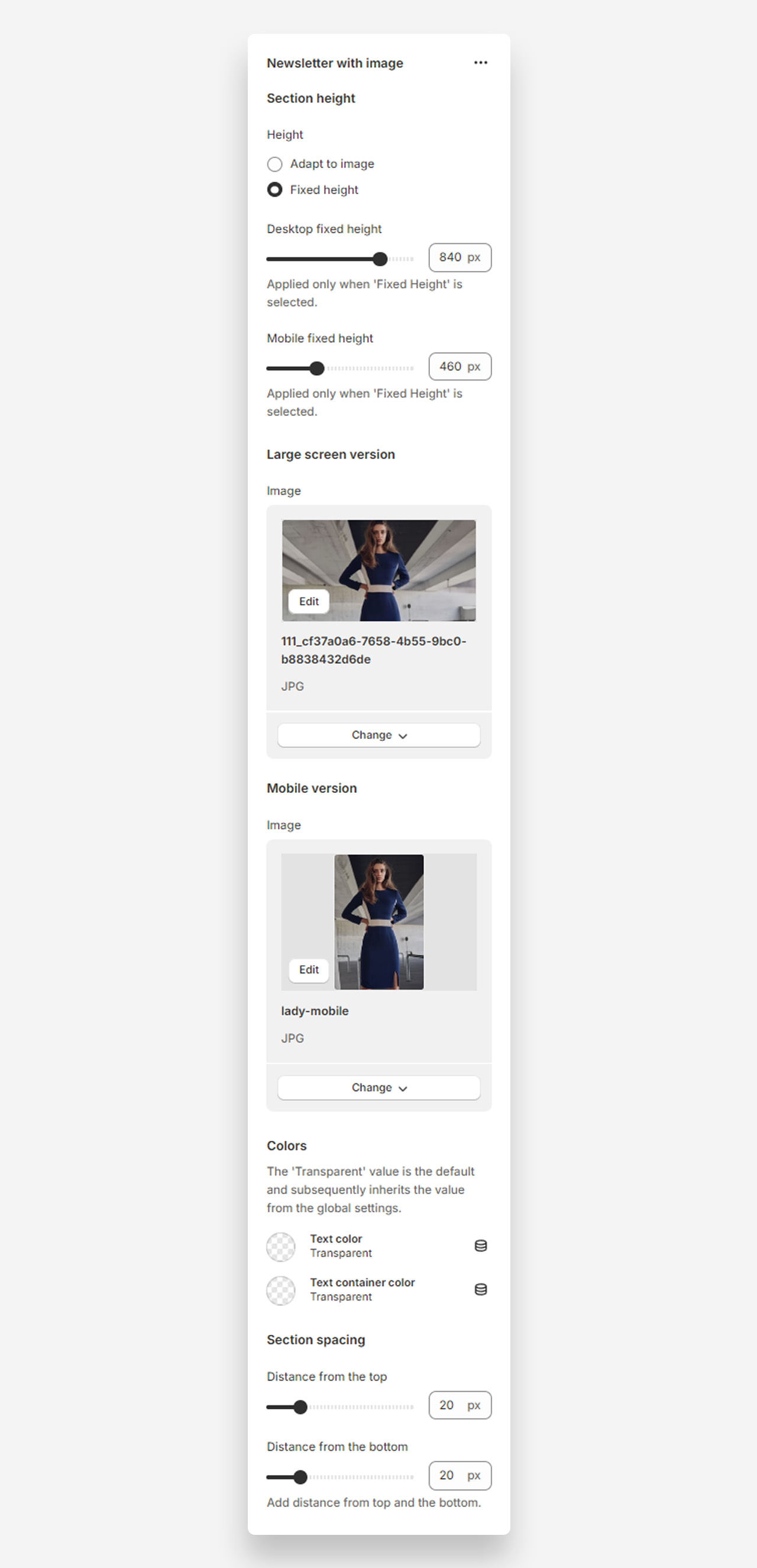
Section Height
- Height: Choose between adapting the height to the image or setting a fixed height.
- Desktop fixed height: Adjust the fixed height for desktop view.
- Mobile fixed height: Adjust the fixed height for mobile view.
Large Screen Version
- Image: Select an image for the large screen version of the banner.
Mobile Version
- Image: Select an image for the mobile version of the banner.
Colors
- Text color: The 'Transparent' value is the default and subsequently inherits the value from the global settings.
- Text container color: The 'Transparent' value is the default and subsequently inherits the value from the global settings.
Section Spacing
- Distance from the top: Adjust the spacing from the top of the section.
- Distance from the bottom: Adjust the spacing from the bottom of the section.
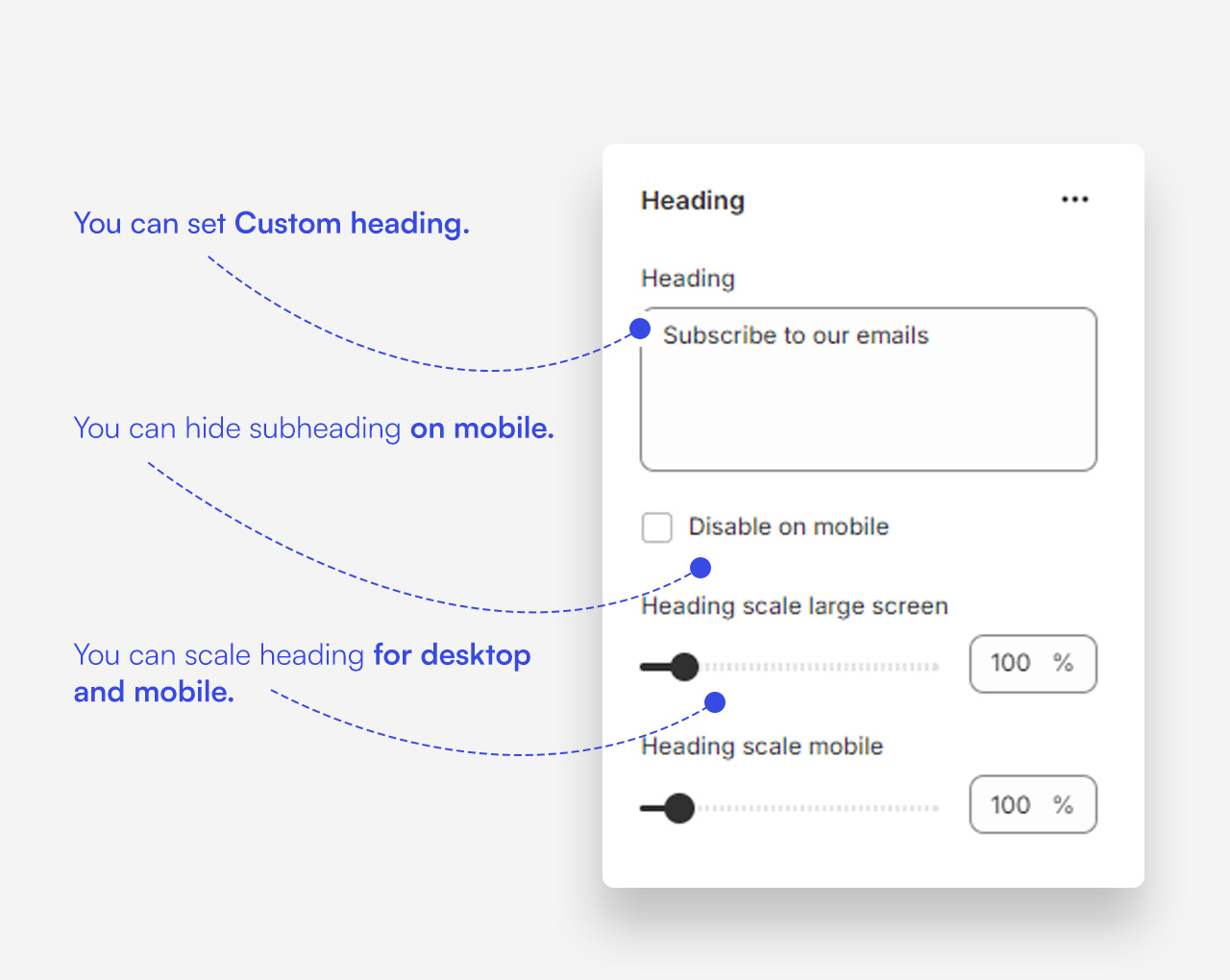
Customize heading block
Click one of the preloaded heading block to customize it.
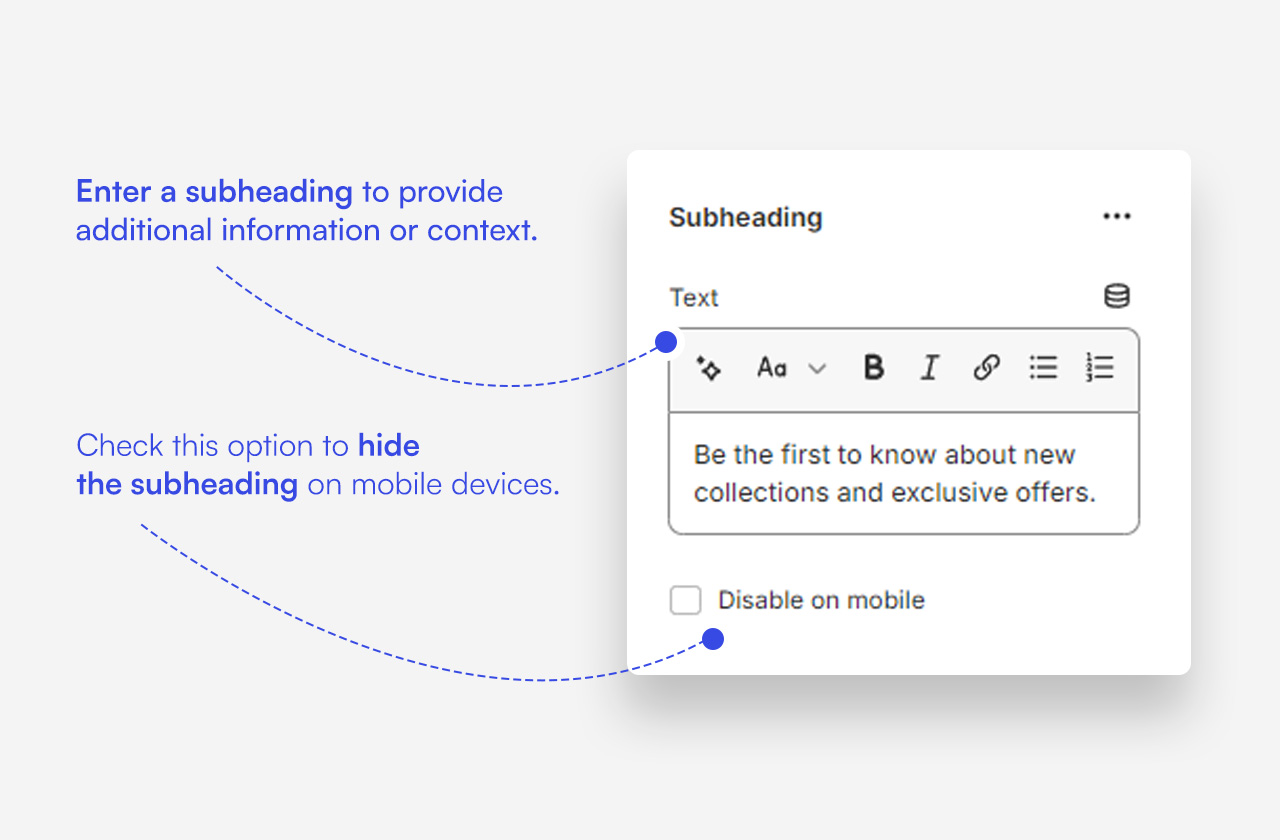
Customize subheading block
Click one of the preloaded subheading block to customize it.
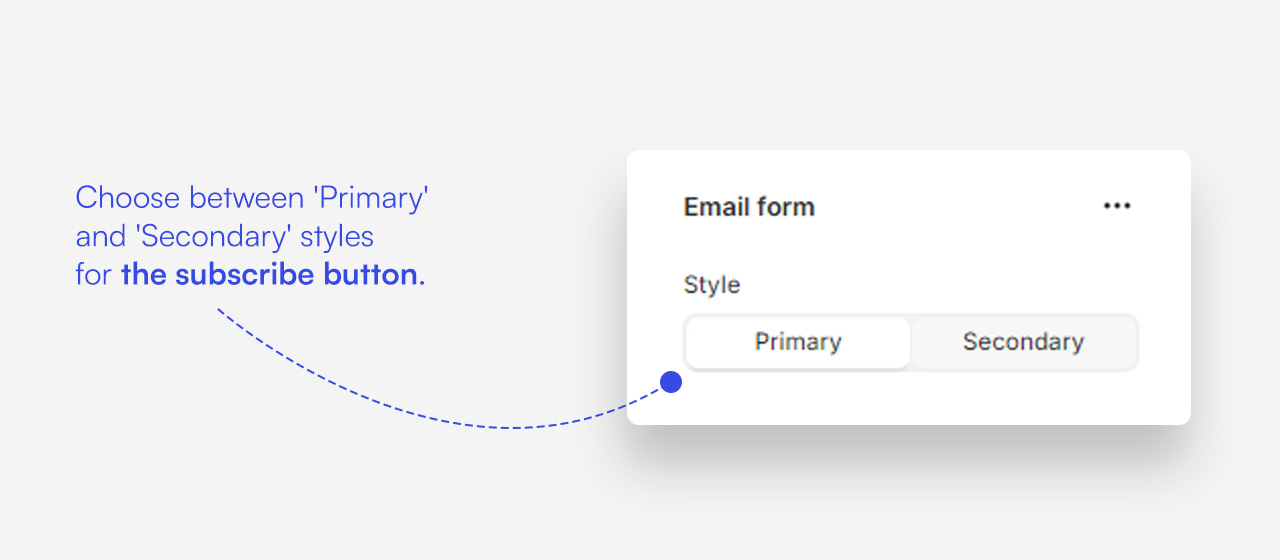
Customize Email form block
Click one of the preloaded block to customize it.
Mobile view example
Was this article helpful?
That’s Great!
Thank you for your feedback
Sorry! We couldn't be helpful
Thank you for your feedback
Feedback sent
We appreciate your effort and will try to fix the article